Profile
Manage your profile photo, account name, and email address.
Overview
The Profile page is where you manage the personal account details associated with your UXit profile.
Use this page to update your profile picture, adjust your displayed name, and change the email address tied to your account.
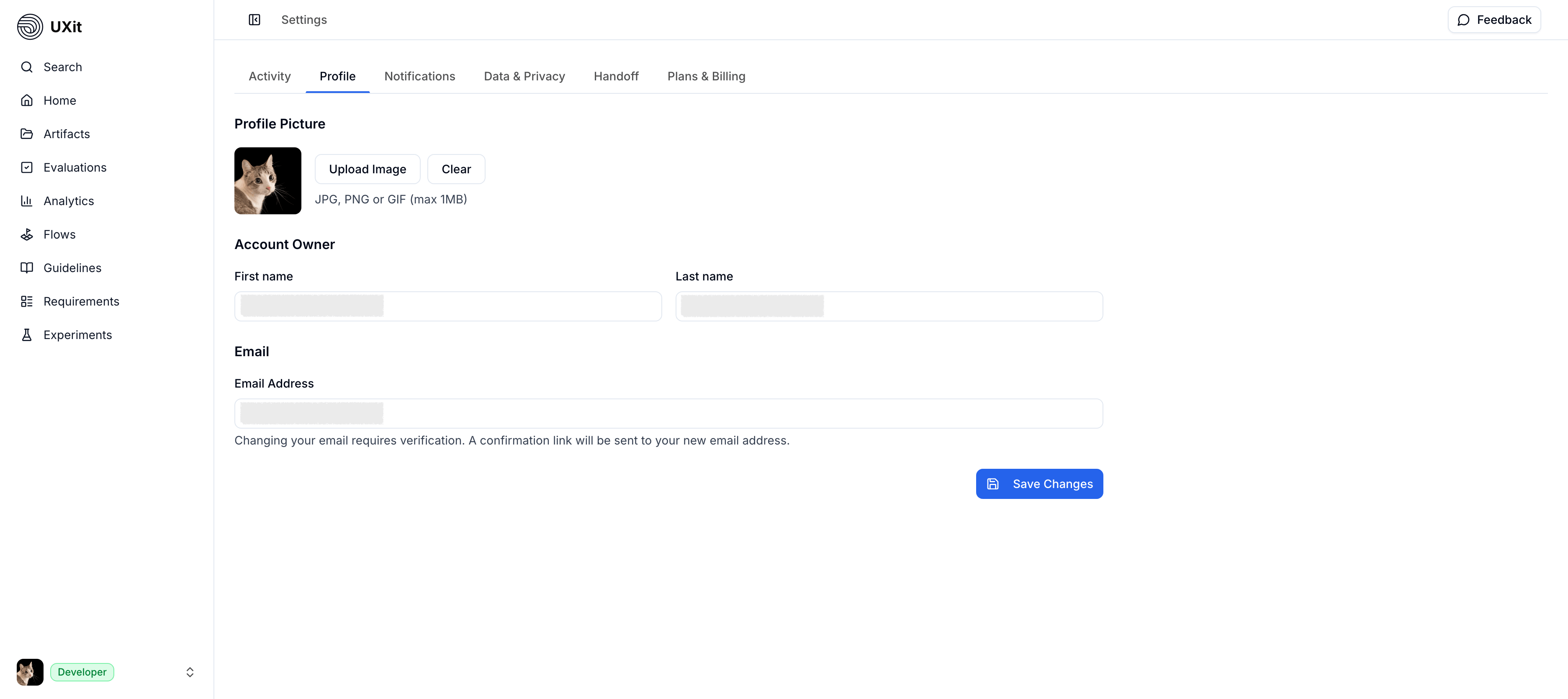
Profile Picture
At the top of the page, you can manage your profile image.
Use Upload Image to add or replace your current profile picture.
Use Clear to remove the current image and return to the default profile state.
Supported file types include JPG, PNG, and GIF, with a maximum file size of 1MB.
Account Owner
The Account Owner section contains your name fields.
Updating these fields changes how your account identity is displayed across areas of UXit, including places like avatar tooltips.
The Email section shows the address associated with your account.
You can replace your current email address by entering a new one in the Email Address field.
Changing your email requires verification. After you submit the update, a confirmation link is sent to the new address before the change takes effect.
Save Changes
Use Save Changes after updating any profile field.
Your edits are not applied until you save them.